Controllers & split-screen
SDL3 gamepad compatibility, gyro steering, 4-player local multiplayer and the complete default keyboard map.
- Backend: SDL3
- Local coop: 1–4 players
- Gyro: motion_fusion.c
- Menu key: F1
SDL3 gamepad support, glyphs & gyro
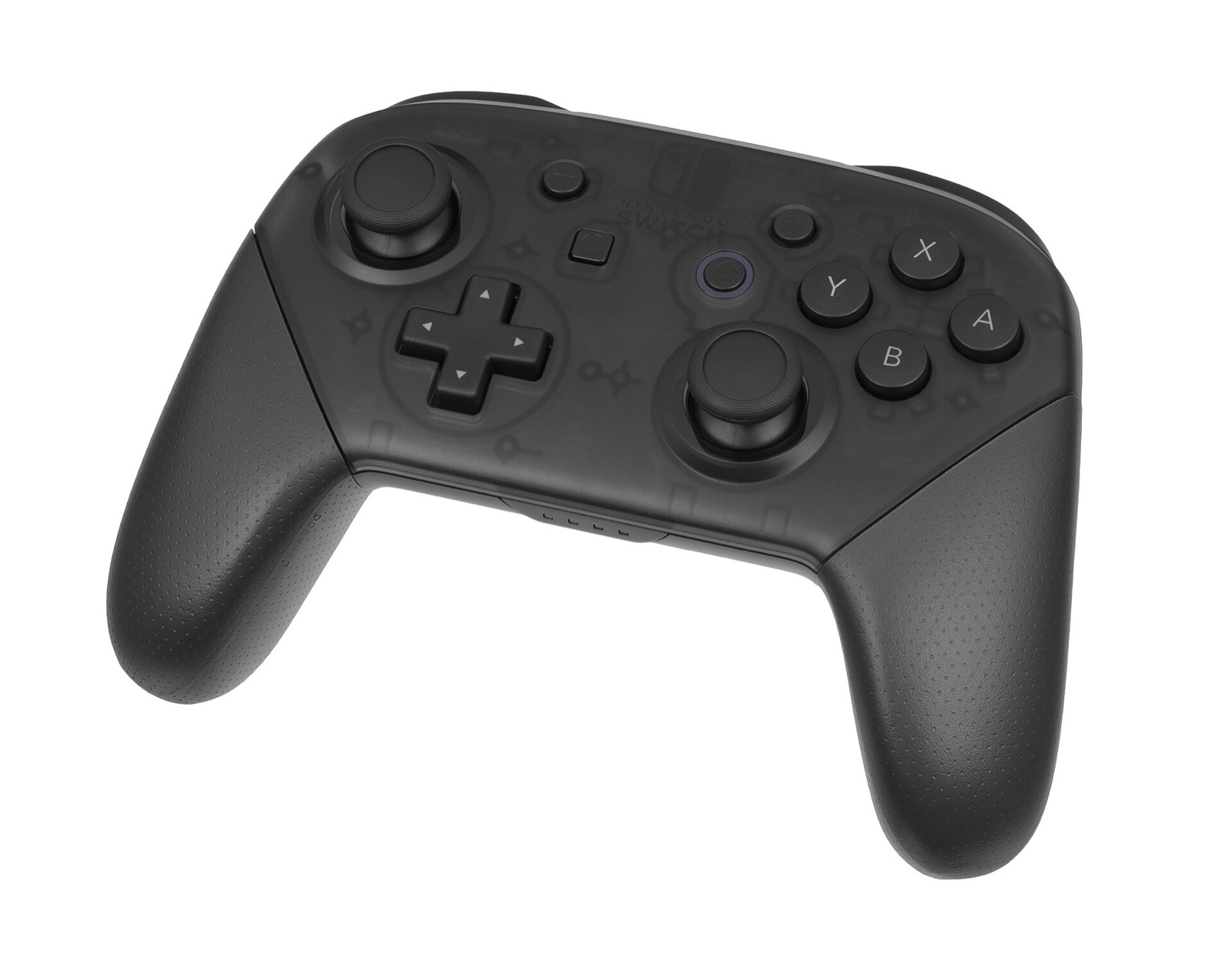
MKW Recomp handles all controllers, keyboards, mice and motion sensors through SDL3 (runtime/input/input_sdl.* and motion_fusion.c). Connected DualSense, Xbox Series, Switch Pro, 8BitDo and GameSir pads are detected without external XInput wrappers:
- Automatic button icons:
runtime/ui/glyphs/swaps in-game and launcher prompts dynamically based on the last device you touched (controller vs keyboard). - 6-axis gyro & accelerometer:
motion_fusion.cfeeds IMU data from supported controllers (DualSense, Switch Pro, SDL3 gyro pads) into motion steering. - Per-player rumble: vibration events route independently to each player’s physical gamepad.
2–4 player local split-screen multiplayer
Implemented in v0.1.5 (#23): each connected SDL3 controller registers as its own player slot, while Player 1 shares the first controller and keyboard. Note a minor known UI quirk in v0.1.8 (#77): if you switch aspect ratio to 21:9 or 32:9 ultrawide during two-player split-screen, coin and lap counters sit slightly beside their frames—keep 16:9 active for split-screen sessions.
Controllers for MKW Recomp
MKW Recomp uses SDL3 for native gamepad input, gyro steering (motion_fusion.c), per-player rumble and up to 4-player local split-screen. These controllers pair cleanly on Windows 10/11 and Linux:
| Controller | Best For in MKW Recomp | Hardware Advantage | Link |
|---|---|---|---|
| GameSir Cyclone 2 | Drift timing & gyro steering | TMR sticks, Hall linear/microswitch triggers, gyro + 1000 Hz dongle | View on Amazon |
| 8BitDo Ultimate 2 Wireless | Desktop Windows & SteamOS dock | TMR sticks, 2.4 GHz wireless dock, Switch/XInput mode switch | View on Amazon |
| Sony DualSense | Built-in gyro & low-latency USB | 6-axis IMU supported by SDL3 motion fusion + crisp D-pad | View on Amazon |
| Xbox Wireless Controller | Plug-and-play local multiplayer | Native Windows XInput & Linux xpadneo multi-controller pairing | View on Amazon |
As an Amazon Associate, this site earns from qualifying purchases.
Default keyboard & mouse controls
From runtime/input/README.md (input_map.c), every binding below works out of the box and can be customized in the F1 Controls tab or mkw.ini:
| Key / Mouse Input | Switch 2 Control | Action in Mario Kart World |
|---|---|---|
| W A S D | Left stick | Steering & menu navigation |
| Mouse / Arrow keys | Right stick | Free camera & world map zoom |
| Space / Enter / E | A button | Accelerate & confirm |
| Left Shift / Backspace | B button | Brake, reverse & back |
| F / X or R | ZR / R | Drift & hop |
| Q or Z / Right click | L / ZL | Use held item |
| Left click / V | Y / X | Secondary actions |
| 1 – 4 | D-pad | Directional pad |
| Tab / M | + / − | Pause & map toggle |
| F1 / F10 | Overlay shortcuts | Dear ImGui settings menu (F1) & FPS overlay (F10) |
Common questions
How do I remap buttons in MKW Recomp?
Press F1 in-game (or use the start screen before launching), open Controls, and rebind keys or gamepad buttons; changes persist in mkw.ini.
Can Player 1 use keyboard while Player 2 uses a controller?
Right now the first connected controller and the keyboard both map to Player 1 (#23). For 2-player split-screen, connect two gamepads (developers also test with MKW_VIRTUAL_PADS=N).
Do DualSense and Switch Pro gyro work over Bluetooth?
SDL3 supports gyro on both USB and Bluetooth where the OS exposes HID sensor reports, though wired USB gives the lowest input latency and cleanest rumble.